Who the Philips 5500 actually suits
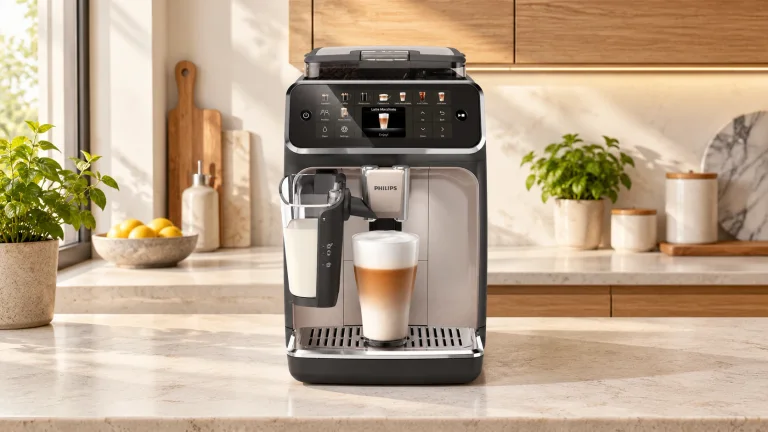
Choose the Philips 5500 LatteGo if several people want their own everyday coffee settings and you don't want a milk hose to scrub. The US EP5544/94 grinds beans, brews coffee and supplies milk from a removable LatteGo vessel. Its strongest argument is the combination of four saved profiles and a milk system you can open up to wash.
It still asks you to refill water, empty wet grounds and maintain a removable brew group. A long drinks menu doesn't remove those jobs, and a small milk vessel won't serve a brunch table without refills. If you mostly want black coffee for one person, compare simpler machines in our espresso-machine buying guide before paying for profiles and milk recipes.
Four saved profiles, plus a guest who won't overwrite them
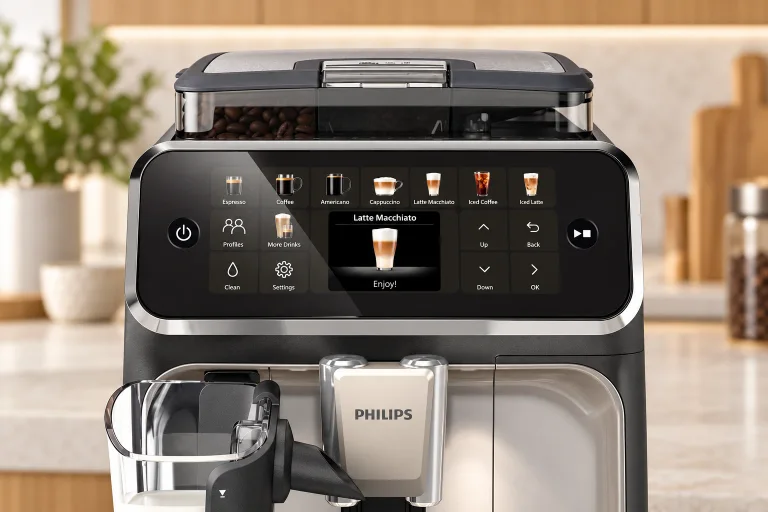
The 5500 has four saved user profiles and an unsaved guest mode. Some Philips product copy gives conflicting counts; the 5500 control-panel diagram and profile instructions in the US manual resolve the distinction. Guest isn't a fifth saved person.
- Tap Profiles until your color is selected.
- Choose a drink, then use the arrows and OK to adjust the available strength, coffee amount and milk amount.
- Press start/stop and let preparation finish. Those choices save automatically to the selected profile.
- For a visitor or a one-off experiment, select guest: the profile icon is off and the recipe won't be saved.
 AI
AIProfiles don't mean separate beans or a separate grinder setting for each person. Those remain shared. Coffee temperature is also a machine setting, rather than an individual recipe preference. That's worth settling before one person turns it down and another assumes their profile will restore it.
A practical two-person morning
Use the first few mornings to save drinks in the cups you actually use. A setting that looks generous on the screen may still leave a travel mug half empty. Keep a small receiving cup nearby for rinses so the drinking cup starts clean.
| Moment | What to do | What it prevents |
|---|---|---|
| First drink | Check water and beans, select the first person's color, then their drink. | Changing the last user's saved recipe by mistake. |
| Milk drink | Use refrigerator-cold milk, stay below MAX and put the cup beneath both outlets. | Overflow or milk missing a narrow cup. |
| Second person | Change the cup and profile before choosing the next drink. Check remaining milk. | Assuming profiles also refill the vessel or change the beans. |
| After milk | Run Quick milk clean into a separate cup, then remove LatteGo for appropriate storage or washing. | Leaving milk residue in the outlet until the next day. |
| End of the session | Check the tray float and empty the grounds bin when prompted. | Confusing normal rinse-water accumulation with a fault. |
Two milk drinks require successive preparations. If everyone leaves at once, assign the cleanup as well as the profile colors; otherwise the convenient machine becomes somebody else's morning chore.
What twenty recipes do—and don't—give you
The US product page lists espresso, coffee, Americano, milk drinks and iced options. These recipes change the ingredients, amounts and sequence; they aren't twenty independent brewing systems. Pick the drinks you repeat rather than buying for the menu's length.
There are five aroma levels and adjustable coffee and milk quantities. ExtraShot adds a ristretto to supported drinks; it is useful when you want more coffee in the same milk drink. It limits preparation to one coffee at a time. There's no steam wand for shaping microfoam by hand, and LatteGo doesn't have the Magnifica Plus's physical three-position foam dial.
For iced coffee, follow the screen and use ice. Philips explains that its iced program brews more slowly at a lower temperature, but the coffee still leaves the spout warm. A different pump sound during that program is expected. Choose a hot recipe when diagnosing a cool coffee; an iced recipe is deliberately doing a different job.
A closer look
Details worth noticing.
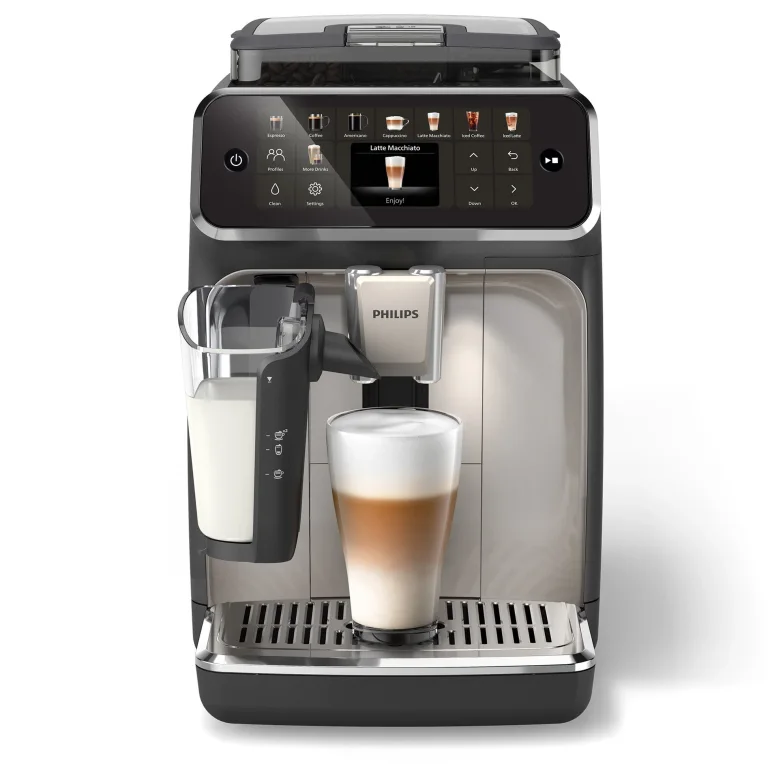
Product detail views: Philips Home Appliances
Check the cup and the cabinet before ordering
Philips' storefront gives a roughly 9.6-inch width, 14.6-inch height and 17-inch depth, while the supplied series manual lists slightly different dimensions. Confirm the exact unit if your alcove is tight. Allow room above to open the bean hopper, in front to pull out the tank and tray, and beside the service opening for brew-group removal.
 AI
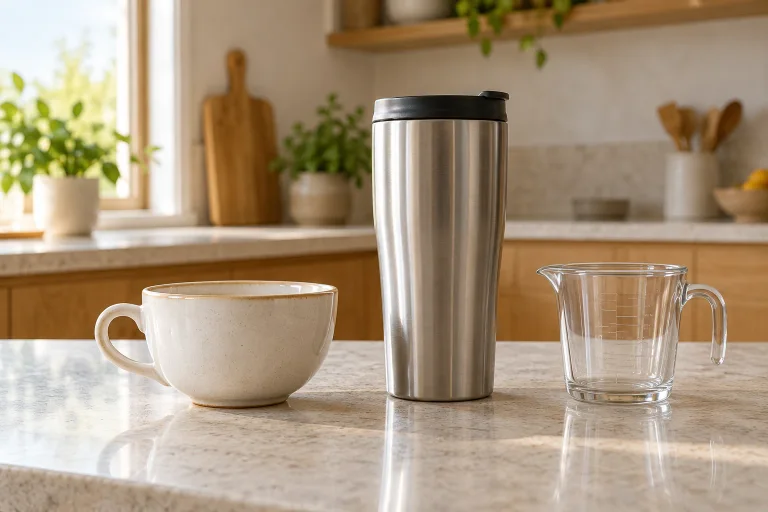
AIThe manual gives an adjustable coffee-spout height of 88–145 mm, about 3.5–5.7 inches. Measure the cup without its lid and check both outlets with the tray installed. A wide cup makes milk positioning easier; a tall narrow travel mug may be better filled from a suitable receiving vessel.
For a simple capacity check, fill your mug with water to the level you'd comfortably carry, then pour it into a measuring jug. A nominal 12-US-fluid-ounce mug is about 355 mL to the brim, so its practical serving space is smaller. Compare that usable space with the drink you save, leaving room for foam. The 250 mL LatteGo capacity is liquid milk in the container, not a promise about finished latte size.
Give the first coffees a fair setup
Set water hardness using the supplied strip and prepare any AquaClean filter before activating it. Trapped air in a new filter can interrupt water flow. Rinse LatteGo before its first use, and use plain coffee beans rather than flavored or caramelized beans.
Philips warns that initial cups can be watery while the machine adjusts. Start by choosing a sensible serving size and aroma level. Don't immediately turn every control to its limit: a larger volume and a stronger aroma setting do different things.
The manual advises leaving the factory grind setting for the first 100–150 cups. Later, change just one notch while the grinder is running, then judge the result after two or three drinks. That adjustment is shared by everyone. If a familiar drink suddenly deteriorates, inspect cleaning and flow before treating it as a preference problem.
LatteGo cleaning and the maintenance calendar
LatteGo has two main washable pieces—the container and frame—plus a storage lid. Quick milk clean flushes the outlet while attached; it doesn't take the assembly apart for you. Use a receiving cup and keep hands clear of the hot jets. For a full wash, empty it, separate the container from the frame and wash the parts with lukewarm water and dishwashing liquid, or in the dishwasher.
The maintenance table, pages 11–14, separates the jobs below. If retaining usable milk after the quick clean, refrigerate it promptly; the rinse doesn't extend the milk's storage life. Follow the after-use wash routine rather than leaving the vessel on the counter overnight.
| When | Job | Important distinction |
|---|---|---|
| After milk use | Quick milk clean, then remove and wash LatteGo. | The automatic rinse is not a full wash. |
| Daily or at the tray warning | Empty the drip tray; empty grounds when prompted. | Rinses deliberately send water into the tray. |
| Weekly | Rinse the brew group and tank; wash tray and grounds container. | Let the brew group air-dry. Keep the grounds container's front panel out of the dishwasher. |
| Monthly | Run Brew group clean with the specified coffee-oil remover tablet. | Oil removal and descaling are separate jobs. |
| Every two months | Lubricate the illustrated brew-group points with Philips grease. | Use the manual's diagram; don't coat the whole mechanism. |
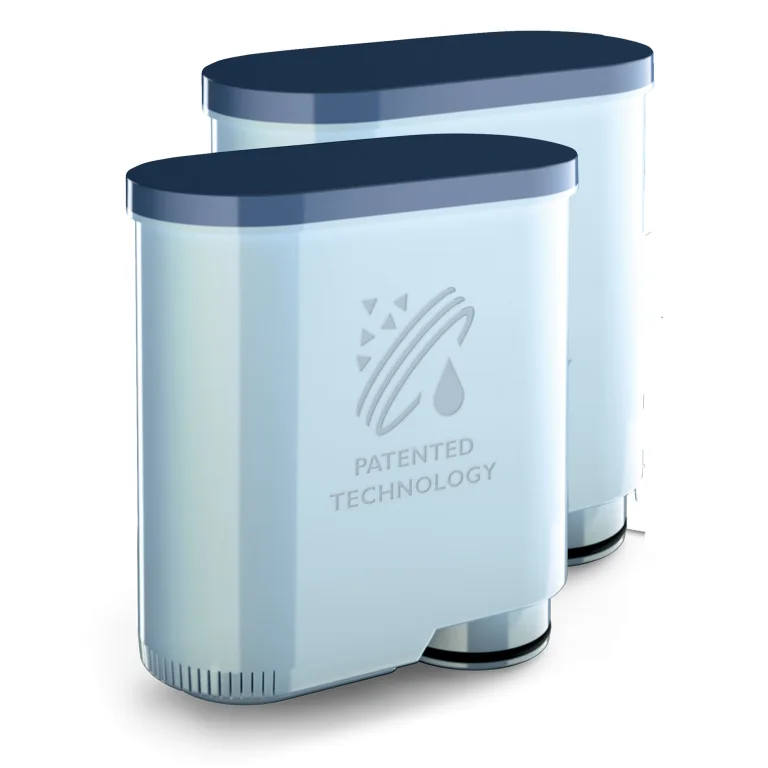
| When prompted | Replace and activate AquaClean; descale as requested. | A filter reduces scale buildup but doesn't eliminate maintenance. |
Shut the machine down fully before removing the brew group. Rinse it with water only, including its upper filter, and let it air-dry rather than wiping fibers into it. If it resists removal or reinsertion, follow the reset instructions; don't force the mechanism.
AquaClean must be prepared and activated in the Clean menu every time; inserting a cartridge alone isn't enough. Replace it at least every three months. Philips' “up to 5,000 cups” statement depends on eight successive filter replacements and usage, not one cartridge lasting indefinitely. Descale with the specified solution when prompted, remove the filter as directed and complete the rinsing cycle. Never substitute vinegar. Our cleaning guide explains why removing oils and removing mineral scale need different treatments.
Troubleshooting: choose the next step by the symptom
| Symptom | Distinction to check | Next action and observation |
|---|---|---|
| A weak first cup | New machine versus an established recipe that changed | Allow the initial adjustment coffees. If an established recipe weakens, rinse the brew group and check the next cup's strength and flow. |
| First hot coffee feels cool | Cold cup or disabled startup rinse versus an iced recipe | Enable automatic startup rinsing and prewarm the cup. Compare the next hot drink before increasing temperature. |
| Milk leaks from LatteGo's bottom | Milk escaping the join versus water collecting in the tray | Clean and reassemble the frame and container until they click. Check that the join stays dry on the next preparation. |
| Empty-bin warning stays on | Bin emptied with the power off, or replaced immediately | With the machine on, remove and empty it, wait at least five seconds, then refit. Check that the warning clears. |
| Flow stops after a filter change | A newly fitted filter versus a longstanding slow brew | Remove the filter and try hot water as the manual directs. If flow returns, prepare and activate the filter correctly before retesting. |
Water inside the tray is expected; persistent water underneath the machine deserves a different response. Check tank seating and tray overflow, then contact Philips if it continues. Repeated grind adjustments won't repair a leak or an electrical fault.
Questions before you buy
Do I need a scale or separate grinder?
No. The 5500 doses and grinds its beans internally. For an occasional pre-ground drink, use one level measure from the supplied scoop and select pre-ground mode. Don't substitute a guessed tablespoon conversion or fill the chute for several drinks.
Can one person have decaf?
Yes, the pre-ground chute gives an occasional decaf option without emptying the hopper. Pre-ground mode prepares one coffee at a time and doesn't offer the usual aroma-strength adjustment. Check the active mode before the next person brews.
Should I choose this or the Magnifica Plus?
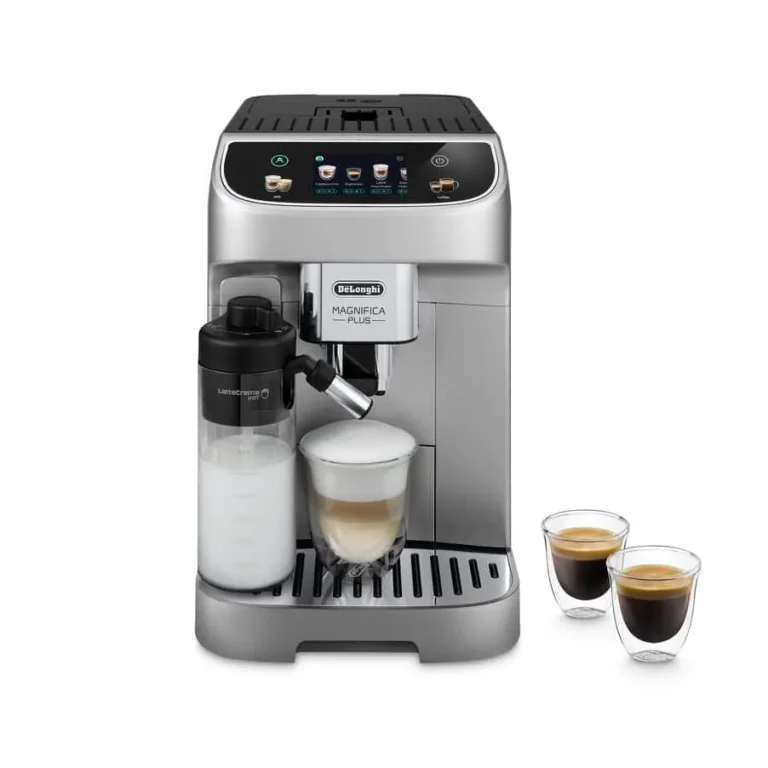
Choose around the milk routine and controls. LatteGo opens into two main washable pieces; the Magnifica Plus adds a physical foam dial and a different carafe-cleaning routine. Both have shared beans and saved household preferences. Neither a recipe count nor a higher star average tells you which routine you'll enjoy repeating.