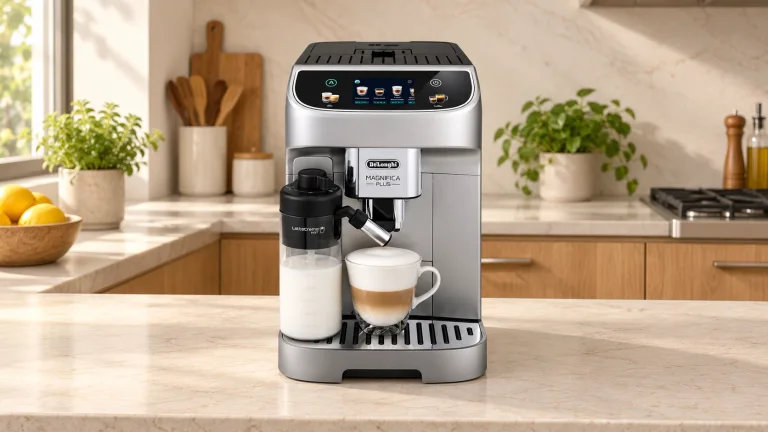
Choose it for a shared milk-drink routine
The Magnifica Plus makes sense when several people want their own coffee settings without learning a portafilter routine. Pick a profile, put the cup beneath both outlets and select a drink. The machine grinds, tamps and brews; the attached LatteCrema Hot carafe supplies the milk. Four profiles are the useful feature here: one person can keep a shorter coffee while another saves a larger cappuccino.
The trade-off arrives after the drink. You still refill water and beans, empty wet grounds, rinse the milk path and take the carafe apart for washing. If that sounds reasonable, the US ECAM32070SB is worth considering. If you want to shape milk texture with a steam wand, look at the La Specialista Arte Evo instead.
Get the first setup right
Before adding coffee, rinse the components that touch water or milk and wash the carafe. Fill the tank to MAX with fresh drinking water, fit the supplied hot-water spout and follow the screen. The first circuit-fill and rinse need a container of at least 200 mL beneath the outlets. Keep your hands clear of the hot water.
Use the supplied hardness strip on the water you'll actually put in the tank: immerse it for about one second, shake it lightly and read the red squares after about a minute. Enter that result. The hardness setting controls the descaling reminder; guessing a softer setting merely changes the reminder.
If installing the water filter, follow the guided activation, including flushing and submerging it to release trapped air. That step needs a receiving container of at least 500 mL. Create the household profiles, then use your ordinary cup for the first drink adjustments. The US manual, sections 6–9, walks through these steps.
Set a drink once, then save it to the right person
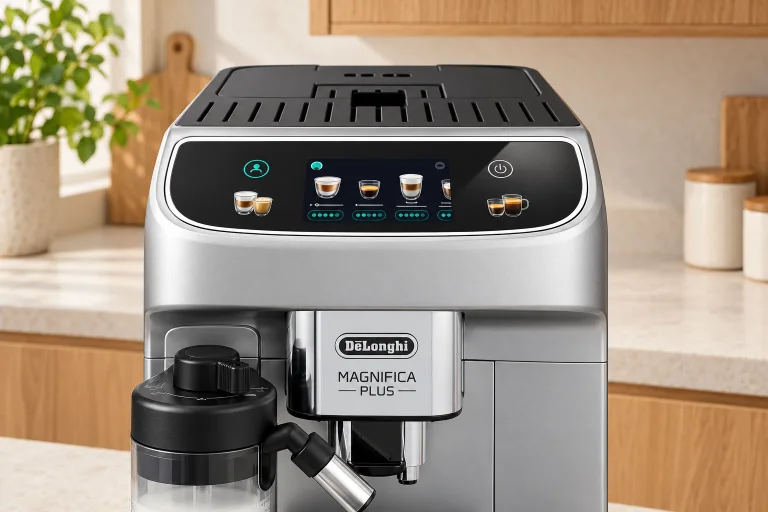
Touching a drink's picture starts its saved recipe. To change it first, tap the customization bar underneath. Check the active profile, select the available size and intensity, make the drink and choose Save. Those changes belong to that profile; they don't rewrite everyone's coffee.
 AI
AIFor a cup that falls between the size presets, use the hot-drink My function. Follow the guided preparation and stop each ingredient at the amount you want once Stop becomes available, then save. Leave room below the rim for milk foam and handling. The manual's quantities below are programmed beverage volumes, not measured results from a particular bag of beans.
| Drink | Factory amount | Programmable range | What it means for your cup |
|---|---|---|---|
| Espresso | 40 mL | 20–180 mL | Start with a small cup; a larger volume changes the drink, not just the cup size. |
| Coffee | 180 mL | 100–240 mL | The maximum is about 8.1 US fl oz, so it won't fill a 12-ounce mug. |
| Long | 160 mL | 115–250 mL | A separate longer-coffee recipe; don't assume it equals an Americano. |
| Doppio+ | 120 mL | 80–180 mL | Choose this recipe deliberately rather than treating it as two standard espressos. |
| Americano | 150 mL | 70–480 mL | More room for a larger black drink; 480 mL is about 16.2 US fl oz, requiring a larger receiving vessel. |
These ranges come from manual section 14. For example, a 12-US-fluid-ounce mug holds about 355 mL to the brim. Coffee's 240 mL maximum leaves roughly 115 mL; choose a suitable Americano recipe or a second preparation instead of expecting the largest Coffee preset to fill it.
Extra Shot adds a separate 30 mL espresso on supported hot recipes. It isn't the same as pressing Extra after delivery to extend a drink. Extra Shot can't use pre-ground coffee, and its quantity setting isn't adjustable. Allow space before selecting it.
Match the milk dial to the drink
The US menu offers 18 choices, including espresso, coffee, Americano, cappuccino variations, cortado, flat white and hot milk. Its iced Coffee and Americano programs ask you to add ice; this is not cold brewing or cold foam. Follow the displayed ice instruction for Iced or Extra Iced.
Start milk drinks with refrigerator-cold milk and a clean, correctly assembled carafe. Check that the intake tube is seated, keep the level below MAX and position the cup beneath both the coffee outlet and the adjustable milk spout. A cup that fits one outlet may miss the other.
 AI
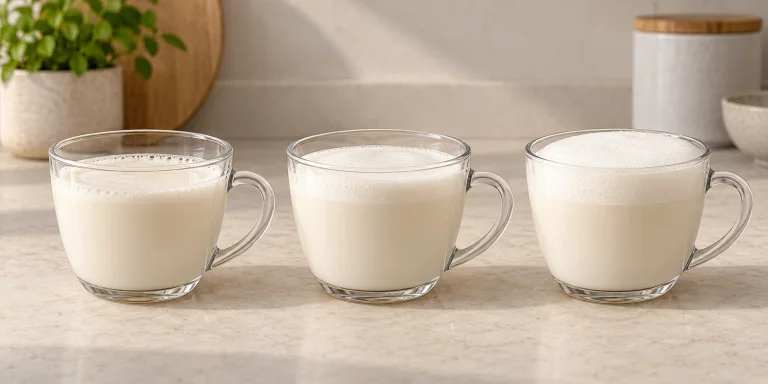
AI| Dial setting | Manufacturer's starting point | Your next check |
|---|---|---|
| Delicate | Latte; hot milk without froth | Does the drink have the lighter foam you want? |
| Creamy | Latte macchiato, flat white, cortado | Check the milk quantity as well as the foam. |
| Dense | Cappuccino, Cappuccino Mix, Cappuccino+, espresso macchiato; frothed hot milk | Leave enough headroom before starting. |
The pairings follow manual section 12.4; they're starting points for your preference. Milk brands and plant-based drinks behave differently. When switching milks for an allergy, don't assume the cleaning cycle removes allergens: De'Longhi explicitly says its cleaning procedures cannot guarantee that.
A closer look
Details worth noticing.
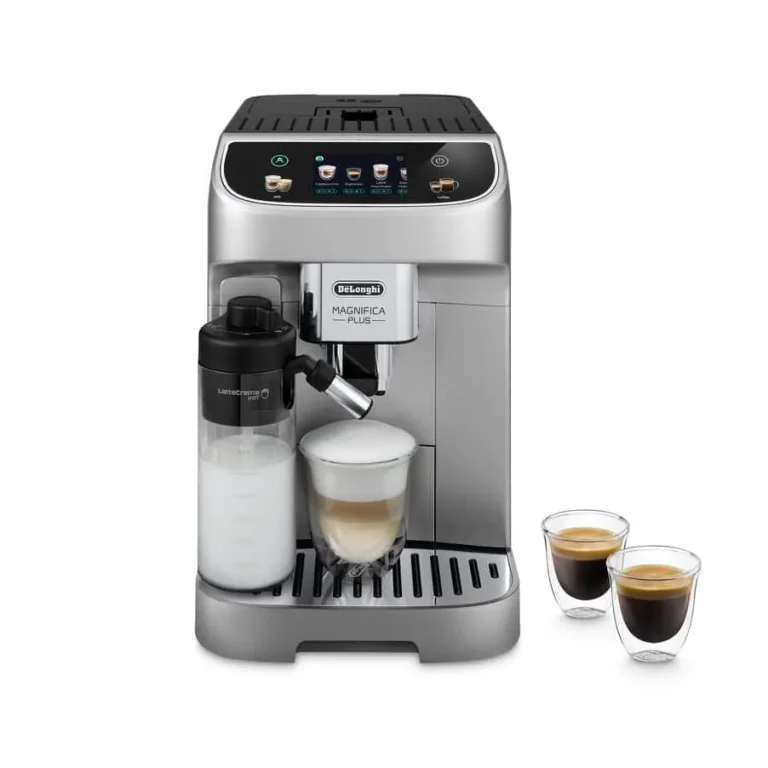
Product detail views: De’Longhi
Two people, two drinks: a workable morning sequence
- Let startup finish. Put a container beneath the coffee outlets for the automatic rinse, then replace it with the drinking cup.
- Make the first person's saved drink. Check their profile before selecting it; lower the coffee spouts toward the cup.
- Prepare the next drink. Replace the cup and select the second person's profile. If another milk drink follows immediately, the manual allows Cancel on the milk-cleaning prompt and cleaning after the final preparation.
- Finish the milk session. Put a separate container under the milk outlet, turn the dial to Clean and let the hot-water/steam cycle finish. Return the dial to a foam setting.
- Store or wash the carafe. Refrigerate usable remaining milk promptly, or dismantle and wash an empty carafe. Don't leave it attached until tomorrow.
Two milk drinks still involve two selections and a cup change. The 2X Espresso recipe doesn't make every drink a two-cup program. Profiles also share the same bean hopper and physical grinder setting. They save drink preferences, not separate beans for each person.
Counter access matters more than the footprint
Measure the route the parts must travel: room above for beans, space in front to remove the tray and tank, and access to the right-side infuser door behind the tank. Check your actual mug beneath both outlets with the tray installed. Don't plan around tilting a tall travel mug or removing the tray to squeeze it in.
Published dimension fields differ between listings, so confirm the exact unit's dimensions before committing to a tight alcove. Rinses consume water too; tank capacity divided by drink size won't tell you how many coffees you can make between refills. Check the red tray indicator and empty the grounds container whenever you remove the tray, even when it looks partly empty.
Cleaning: quick rinses and the jobs they don't replace
The milk Clean cycle flushes the lid's internal path while the milk stays in the container. For a carafe with enough milk left to use again, the manual allows immediate refrigeration for no more than two days before a full wash. If it has been outside the refrigerator for more than 30 minutes, dismantle and clean it. Those limits don't extend the milk's own storage life.
For the full wash, remove the lid, outlet, extension, intake tube, foam dial and connector as shown in section 16.11. Rinse the parts first. The manual recommends the dishwasher's top basket on a 50°C program; its hand-wash alternative includes at least 30 minutes in water of at least 40°C with dishwashing liquid, followed by thorough rinsing and drying. Check the small channel under the dial for residue.
The infuser needs different treatment. Shut down with the power button and let the machine finish before removing it; unplug before internal cleaning. At least monthly, soak the removable infuser in water for about five minutes and rinse it. No detergent and no dishwasher. The tank, grounds container and main drip tray are also hand-wash parts; don't mistake the dishwasher-safe grille for the whole tray.
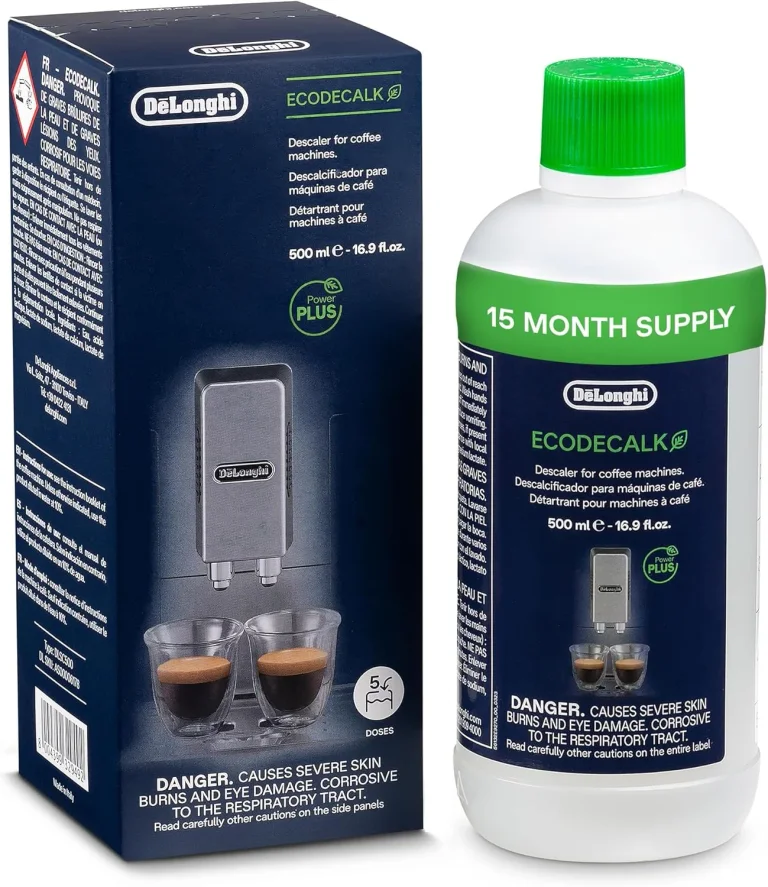
Descale when prompted using De'Longhi's specified solution and the guided sequence. Remove the filter when instructed, use a receiving container of at least two liters and complete the rinses with the tank filled to MAX. Hot acidic water comes from the outlets, so keep hands clear and protect the counter from spills. See the cleaning and descaling guide for the difference between those jobs.
Troubleshooting: identify the symptom first
Use the manual's grinder tutorial and troubleshooting tables with the distinctions below. Adjust the grinder only while it is grinding. After an adjustment, make at least three coffees before deciding on another change.
| Symptom | Distinguish it from | Next action and what to observe |
|---|---|---|
| Weak coffee flowing freely | A blocked spout or a slow, dripping brew | Follow the on-screen grinder tutorial one step finer. Assess strength and flow after three coffees. |
| Coffee arrives drop by drop | Just one blocked outlet | Follow the tutorial one step coarser. Look for steadier flow after three coffees; don't keep making it finer. |
| One outlet doesn't deliver | Both outlets slowing after a grind change | Clean the outlet as directed with a sponge or toothpick. Check whether both outlets deliver on the next preparation. |
| First coffee is too cool | A drink cooling while you sip | Run Rinse before brewing into a prewarmed cup. Compare the next drink before changing the temperature menu. |
| Milk won't flow | Milk flows but has large bubbles | Disassemble and clean the lid, then seat the intake tube and outlet correctly. Check for a continuous milk flow. |
| Large bubbles despite a clean lid | No milk delivery | Use fresh refrigerator-cold milk. If the problem started after washing, check and dry the dial's underside channel. |
| Infuser won't come out | An infuser that's difficult to refit | Complete a normal shutdown with the power button. Try removal only afterward; never force it. |
If a circuit-fill prompt keeps returning, check that the tank is fully seated and any new filter was activated correctly. Persistent errors, leaks or erratic touchscreen behavior need manufacturer support, not repeated grind changes or opening the housing.
Questions before you buy
Can I use decaf without emptying the beans?
Yes, for supported drinks: select pre-ground coffee while the machine is on and add one level supplied measure when prompted. Never fill the chute for several drinks. Doppio+, 2X Espresso and Cappuccino+ don't support pre-ground coffee; Long asks for a second level measure partway through.
Do I need a scale, grinder or separate milk frother?
No. It grinds beans and dispenses milk internally. For the occasional pre-ground drink, use one level measure from the scoop supplied with the machine. A suitable cup and care supplies are more relevant purchases than duplicating equipment already inside the machine.
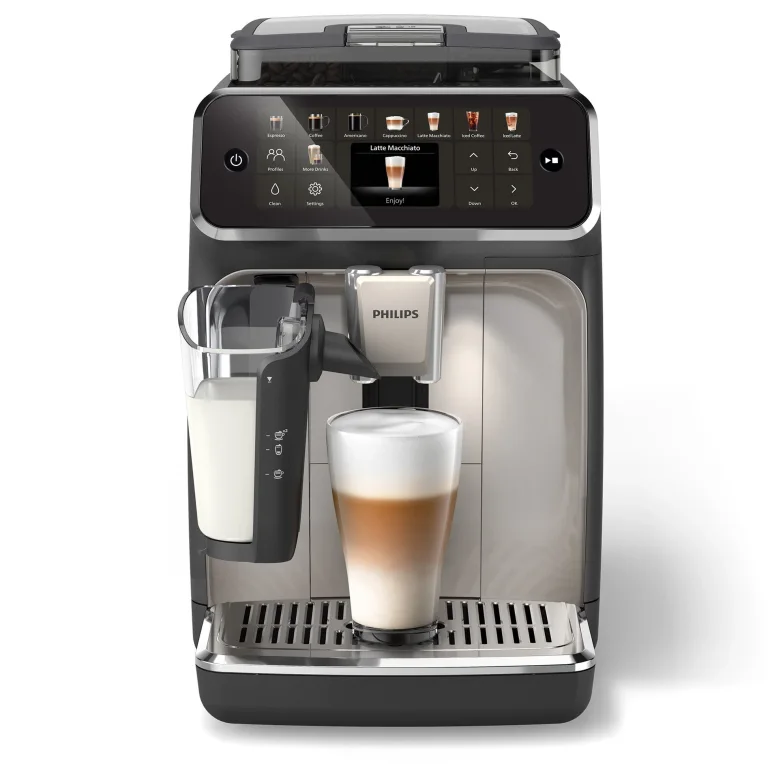
Should I choose this over a Philips 5500?
Compare how you want to handle milk as well as the drinks. The Magnifica's physical foam dial is useful if you want three texture choices; the Philips 5500 LatteGo review explains its milk system and care routine. The Plus's mixed owner record makes return terms important. Buy it because those controls suit your household, not because 18 recipes automatically make it the best machine.